
To create a second copy of a Workflow, follow these steps.
- Navigate to Workflows in you Persona Dashboard
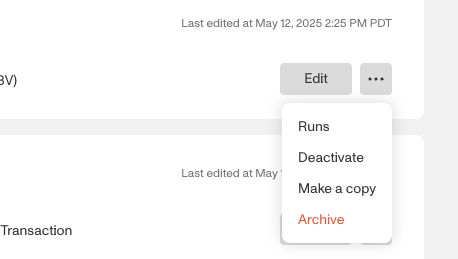
- Click on the overflow menu represented by … on the far right of the Workflow card
- Click Make a copy
- Rename your Workflow and proceed
- Once created, review and ensure that all the logic and steps within your new Workflow are adjusted before publishing.