
Overview
When you create an Inquiry Template, it is assigned a default name. You can rename it using either method below.
Rename from the template header
- In the Dashboard, navigate to Inquiries > Templates.
- Select the Inquiry Template you want to rename.
- Click the template name (top left) and edit it.

- Click Save.
Rename from Settings
- In the Dashboard, navigate to Inquiries > Templates.
- Select the Inquiry Template you want to rename.
- In the left nav, click the Gear icon.
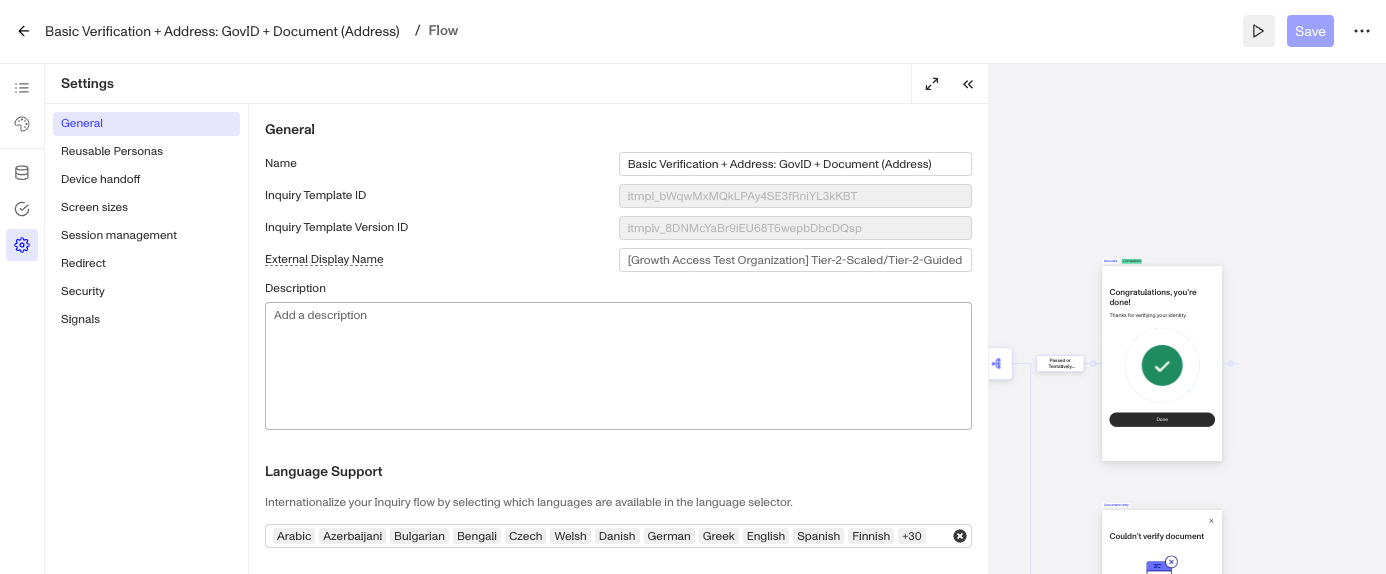
- Under General, edit the Name.

- Click Save.